
Introduction
In digital spaces built around urgency, endless feeds, and constant optimization, I wanted to explore a quieter question: how might an interactive experience invite someone to slow down, notice small details, and learn without pressure?
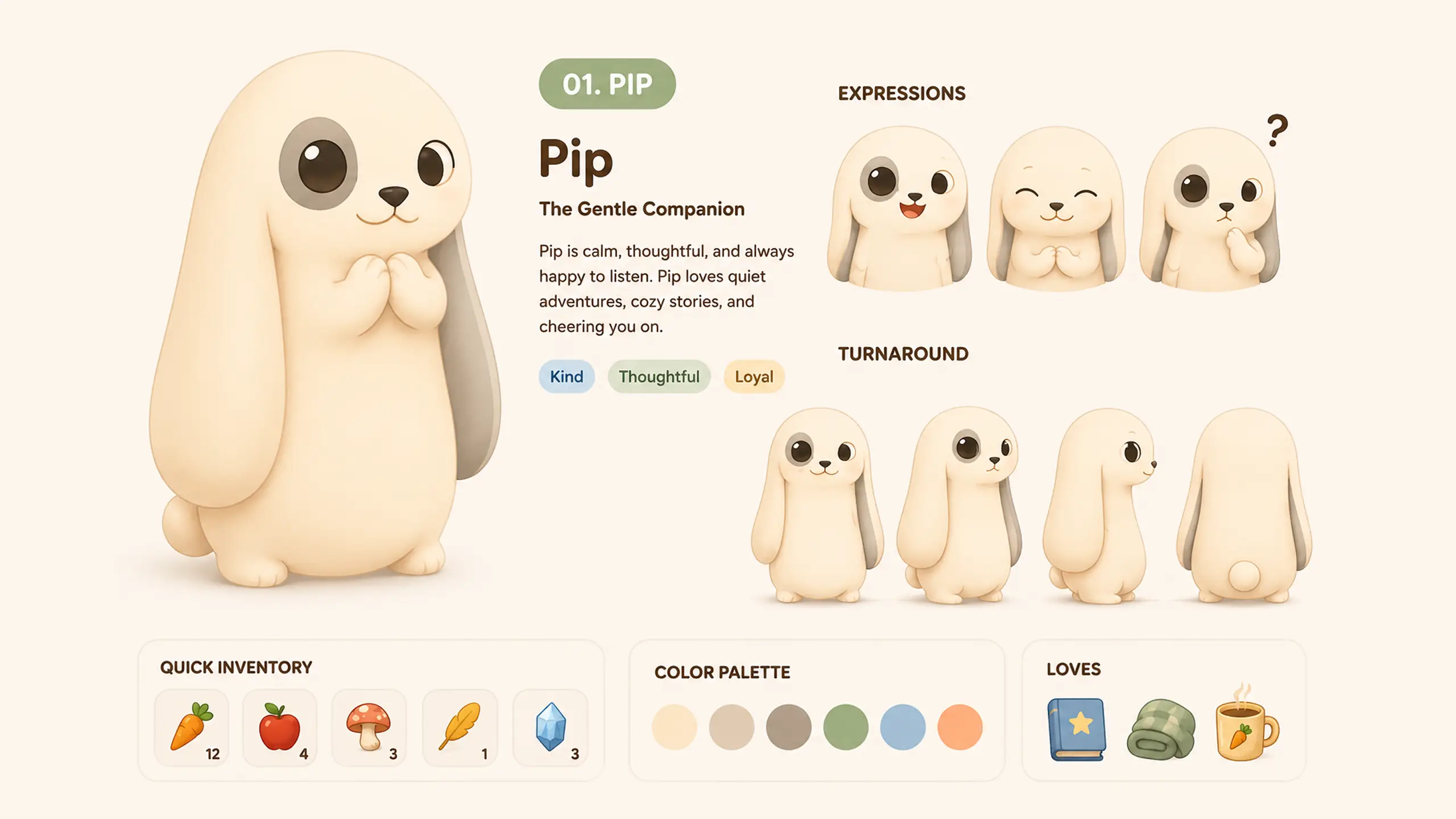
Cabbits is a cozy AI-native virtual companion experience centered on Pip, a rabbit-cat creature living in a small handcrafted valley. Rather than framing learning as a productivity task or a conventional game loop, the project imagines a more reflective space for exploring logic, language, and reasoning.
This project became an opportunity to bring visual design, interaction design, and agent-assisted development into the same working process. Below is a look at the visual language, the learning loop, and the human–AI collaboration behind it.
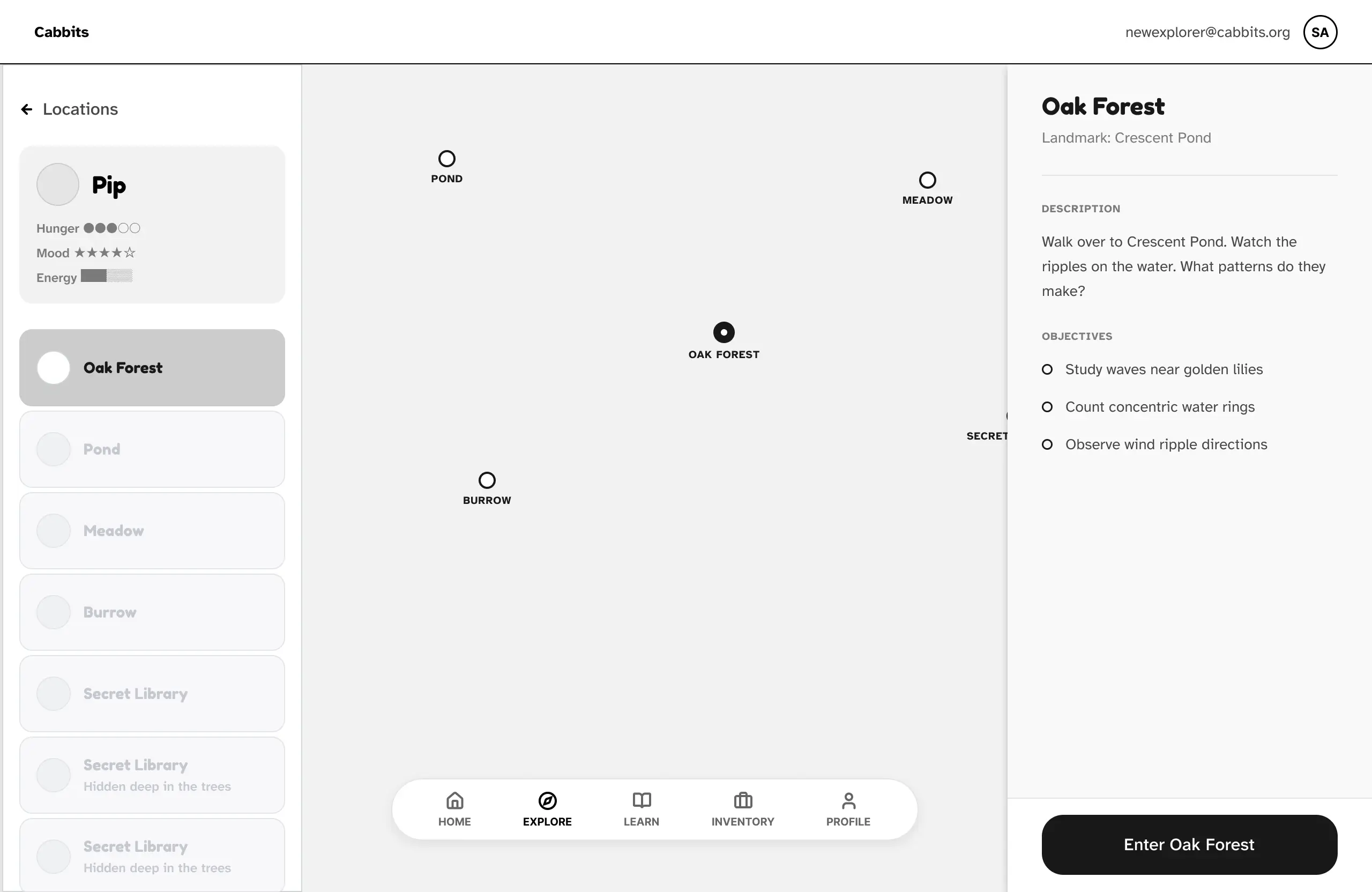
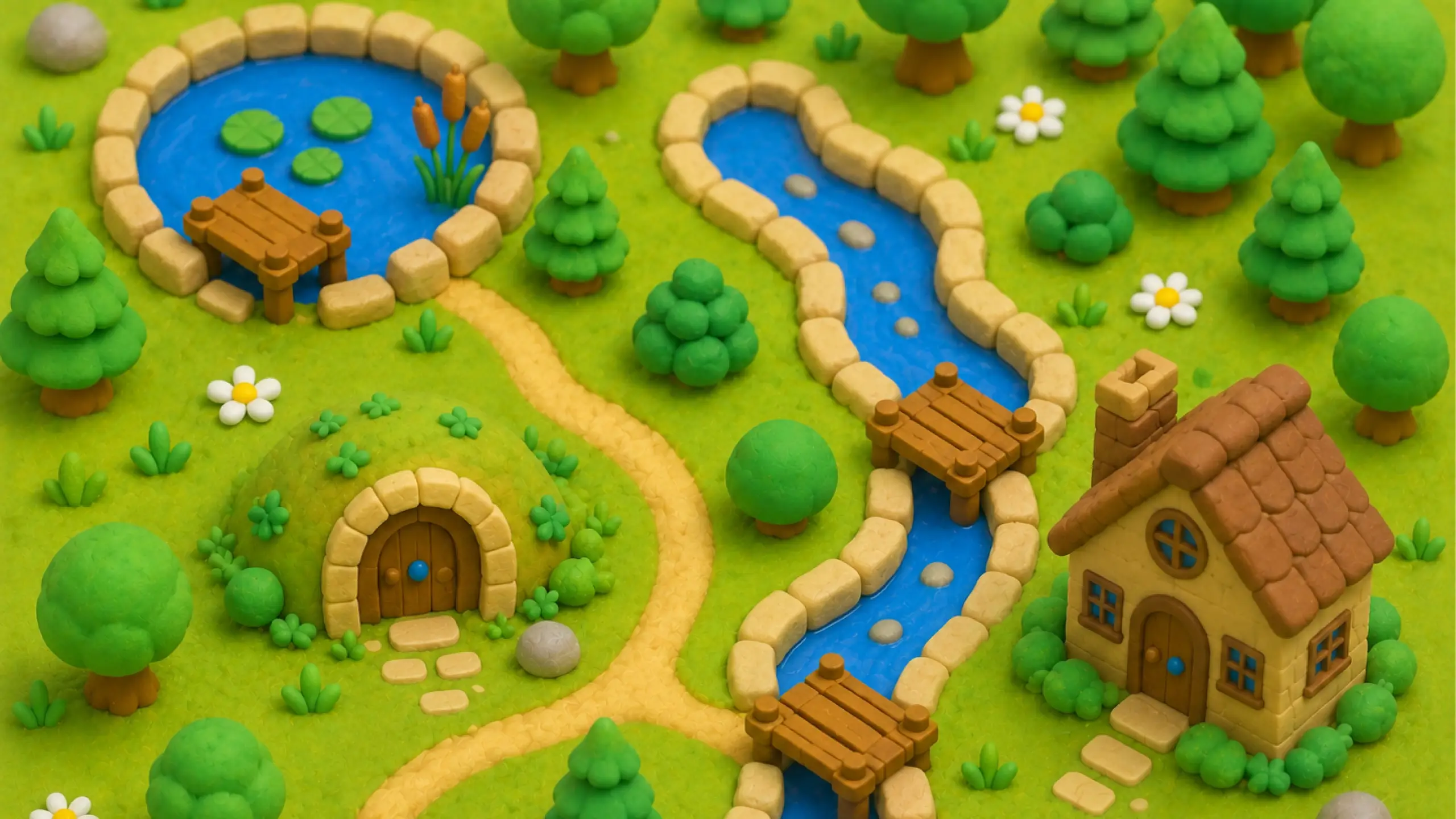
In this article, we share how we designed the visual themes, structured the learning loops, and utilized an agentic programming workflow to build the Cabbits project.
Building a Handcrafted Claymorphic Aesthetic
The visual system draws from small clay dioramas and physical toys: soft forms, quiet color, and interfaces that feel touchable rather than clinical.
I used warm beige, muted greens, and desaturated accent colors to create a calm environment without relying on high contrast or visual noise. The goal was not realism, but a sense that the world had been shaped by hand.
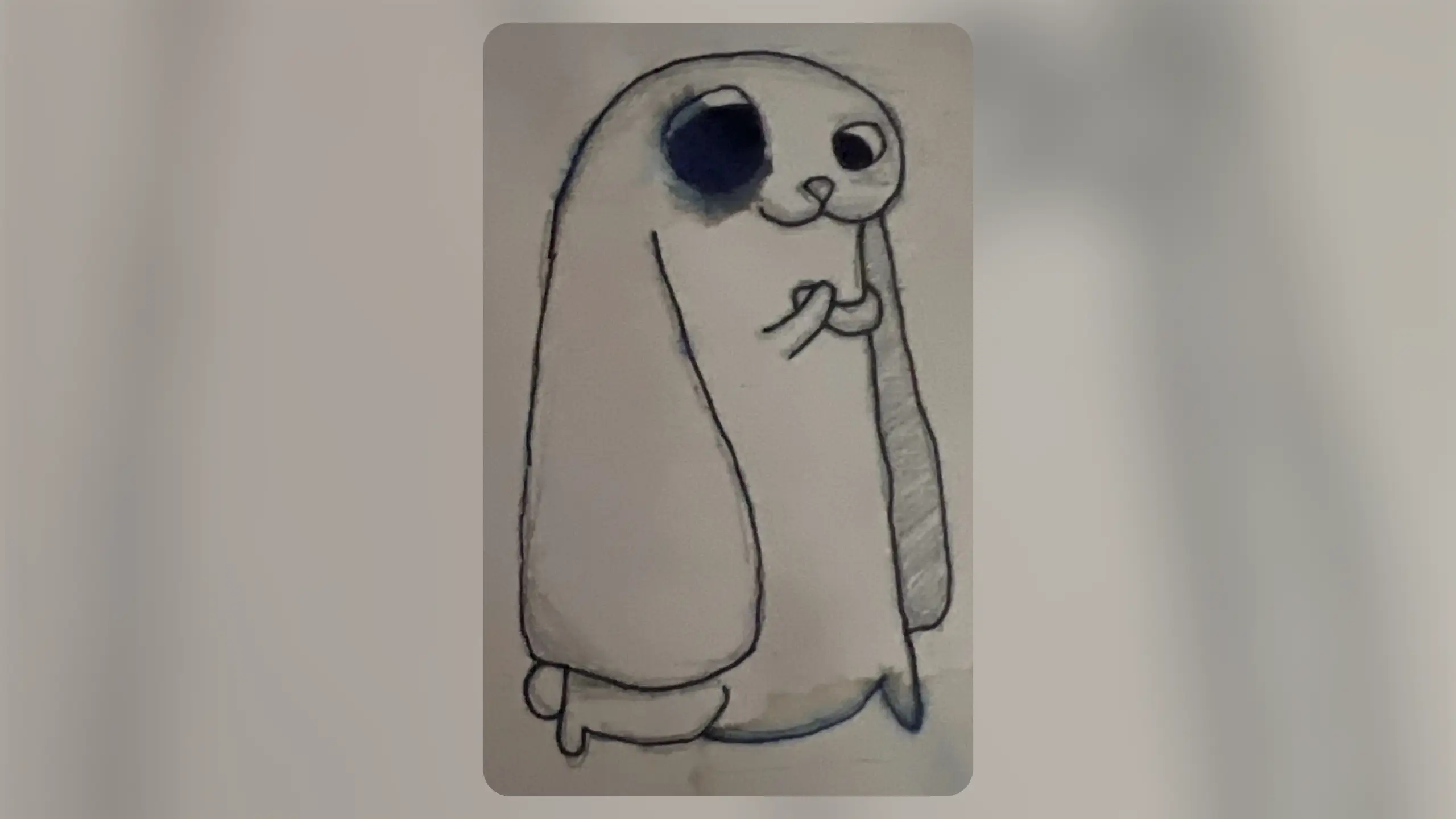
This project became an opportunity to bring visual design, interaction design, and agent-assisted development into the same working process. Below is a look at the visual language, the learning loop, and the human–AI collaboration behind it.
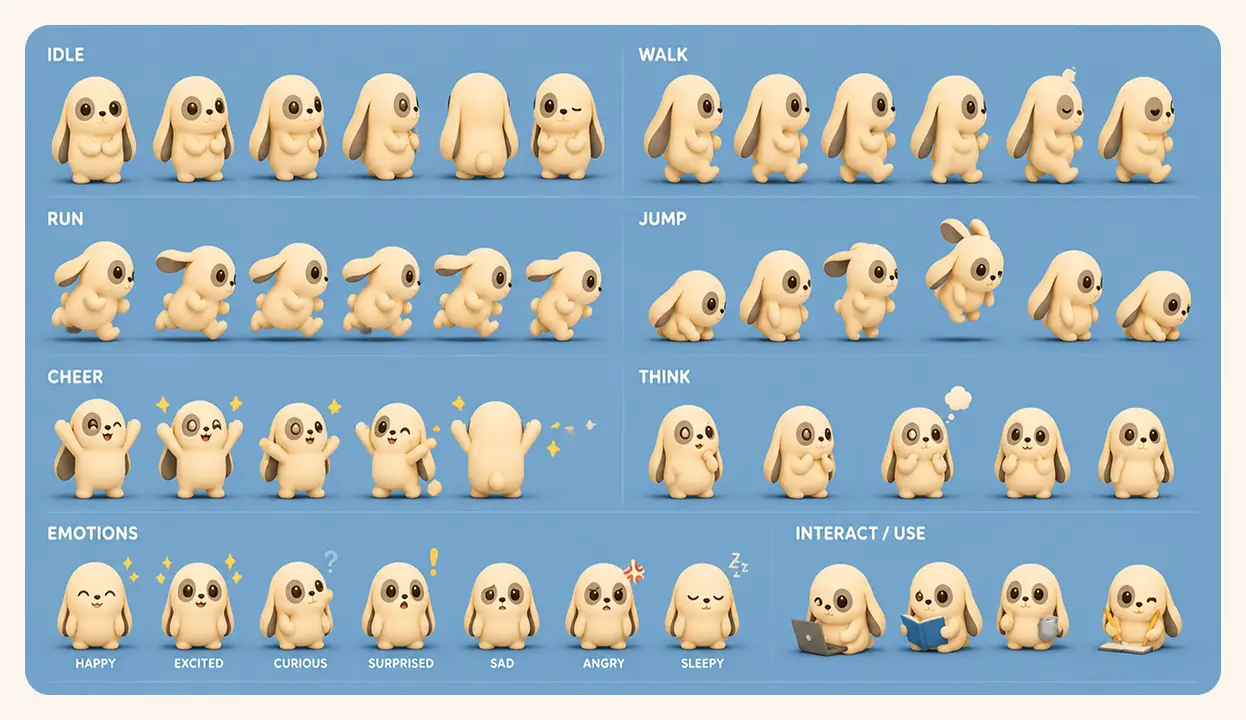
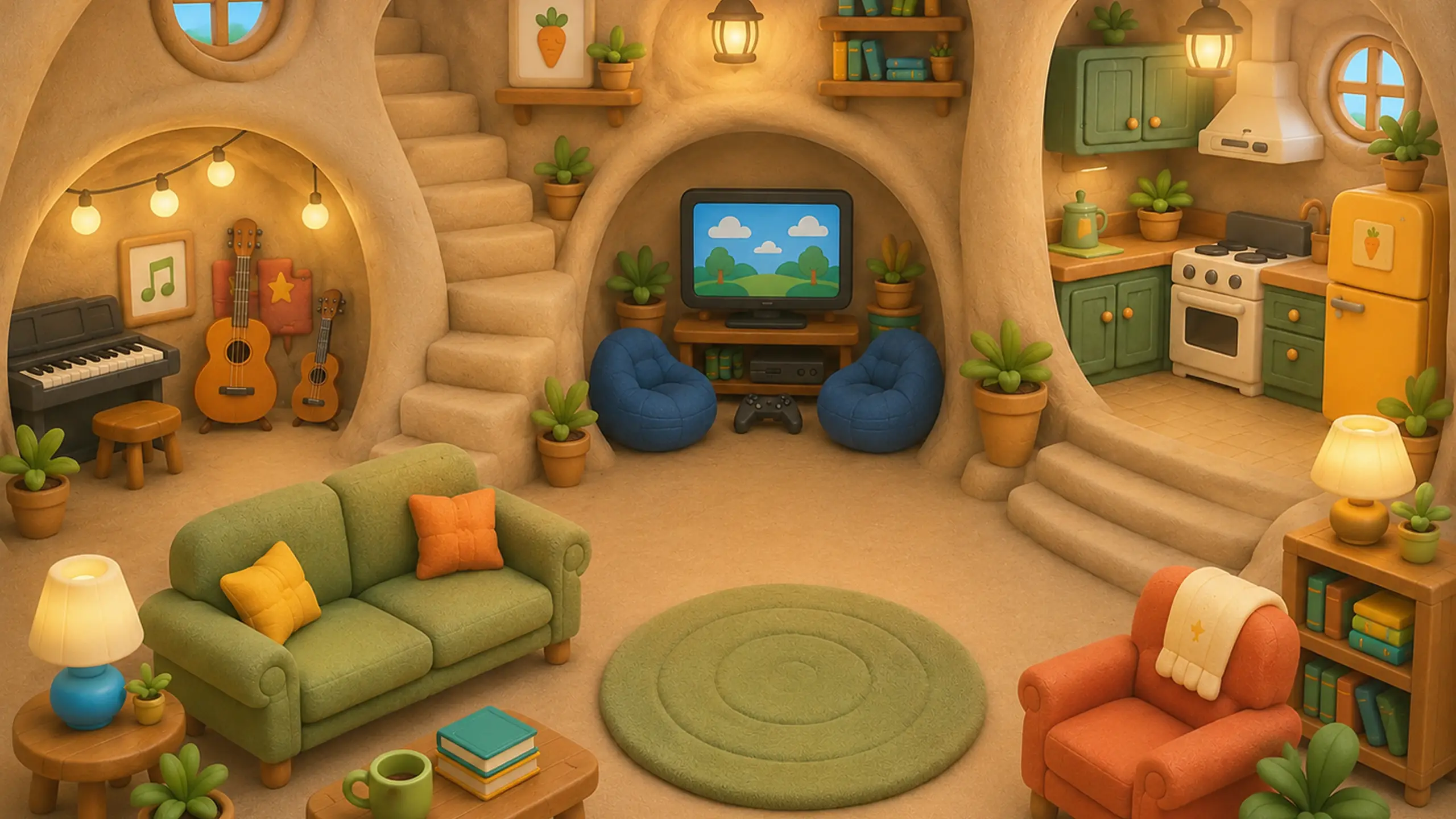
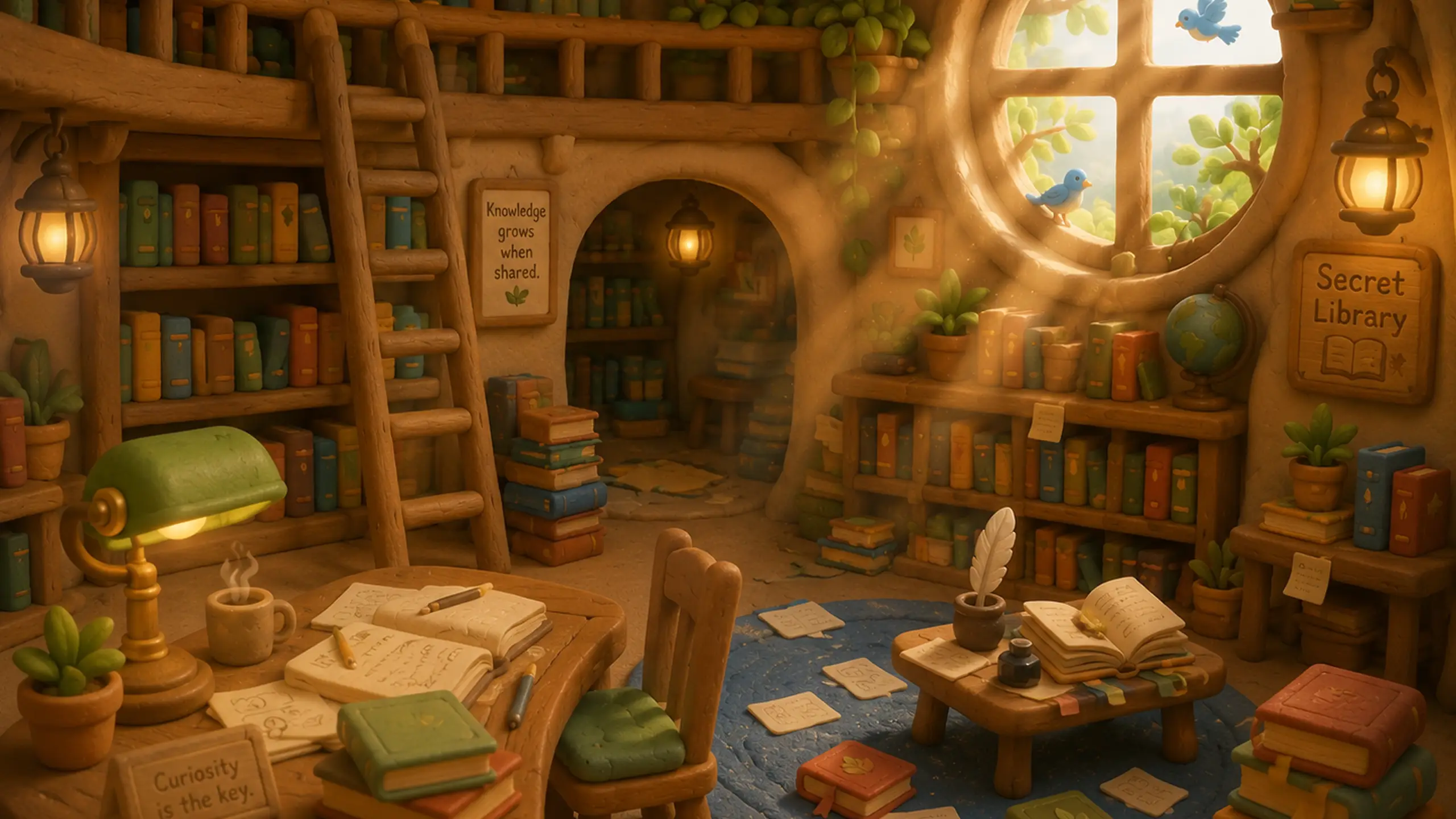
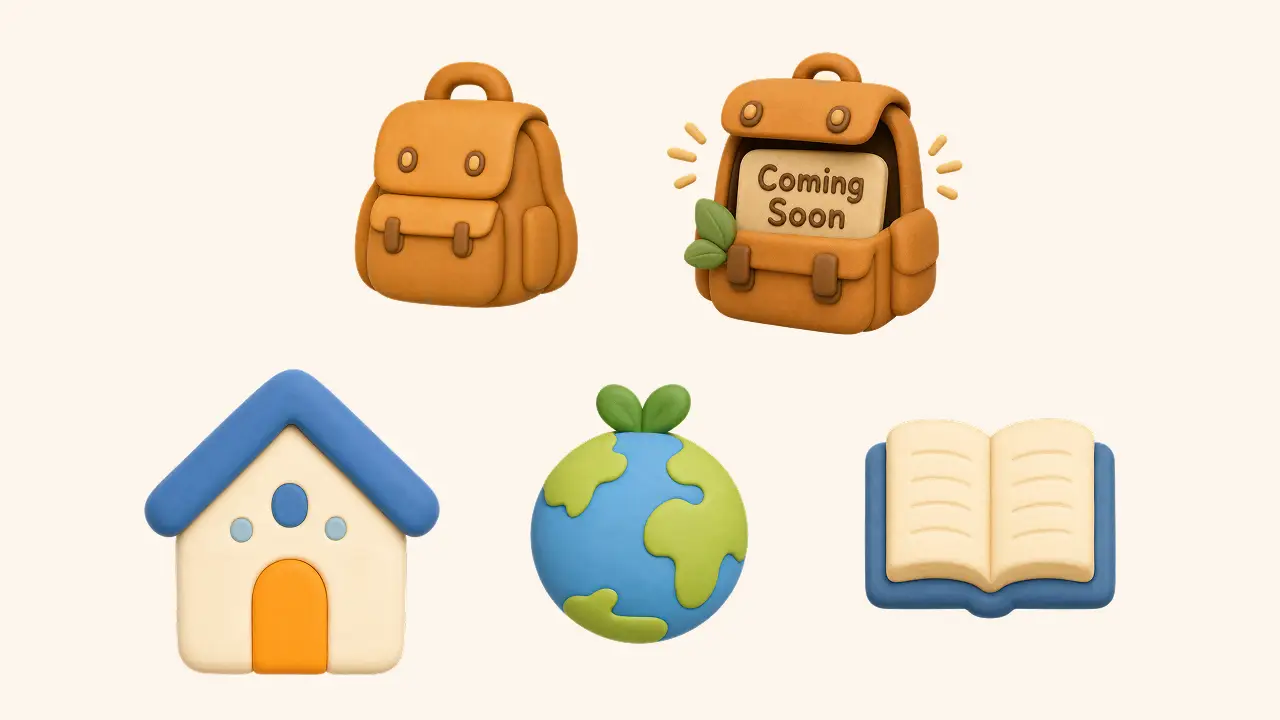
Core elements of the system
- Gentle boundaries
Pure black borders were replaced with a translucent clay-brown divider tone, allowing cards, drawers, and controls to stay distinct without becoming severe. - Layered depth
Soft vertical shadows give elements a little physical weight, helping the interface feel more like a set of objects than a flat collection of screens. - Rounded, molded forms
Larger corner radii across buttons, panels, and cards reinforce the playful, tactile quality of the environment.
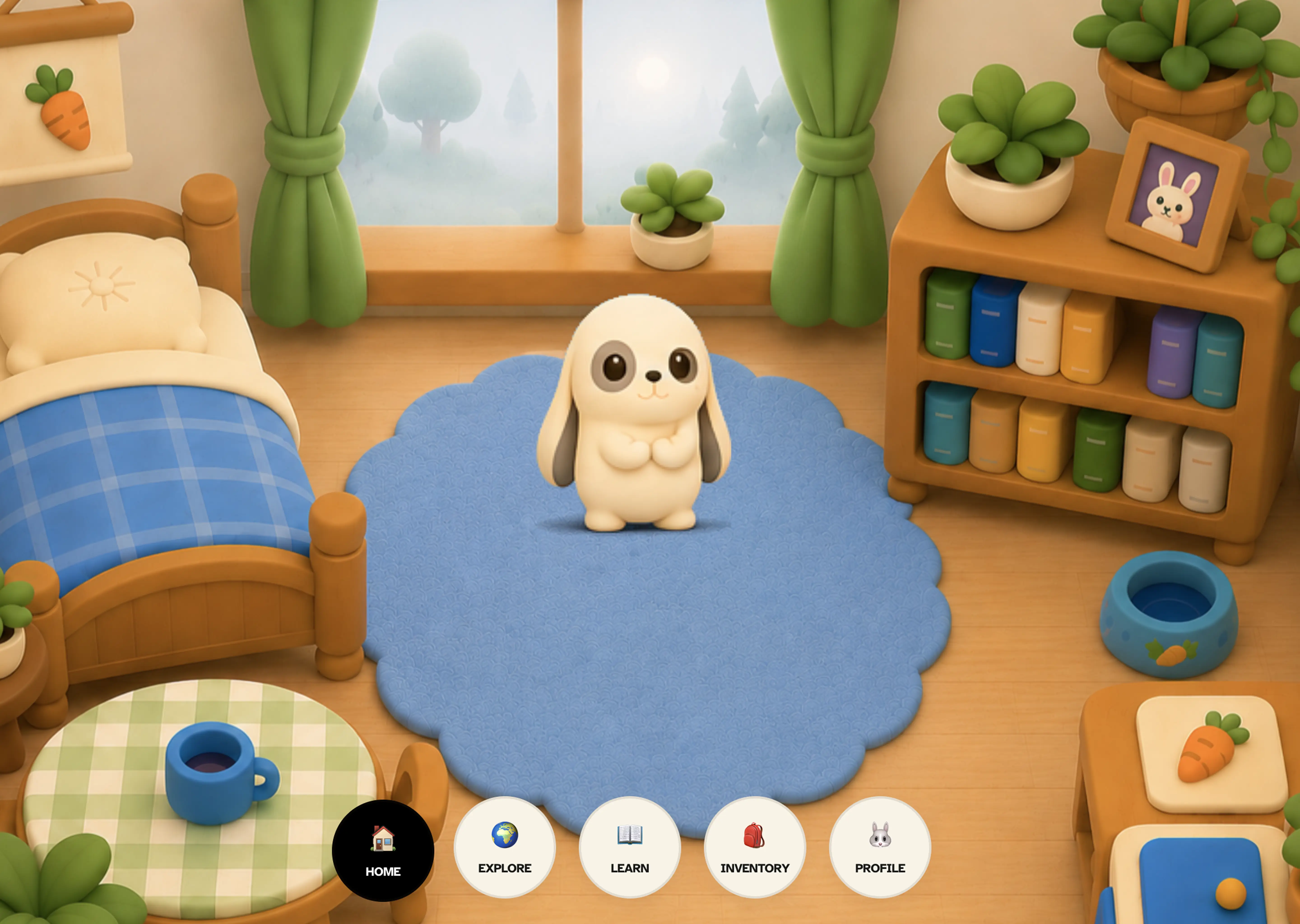
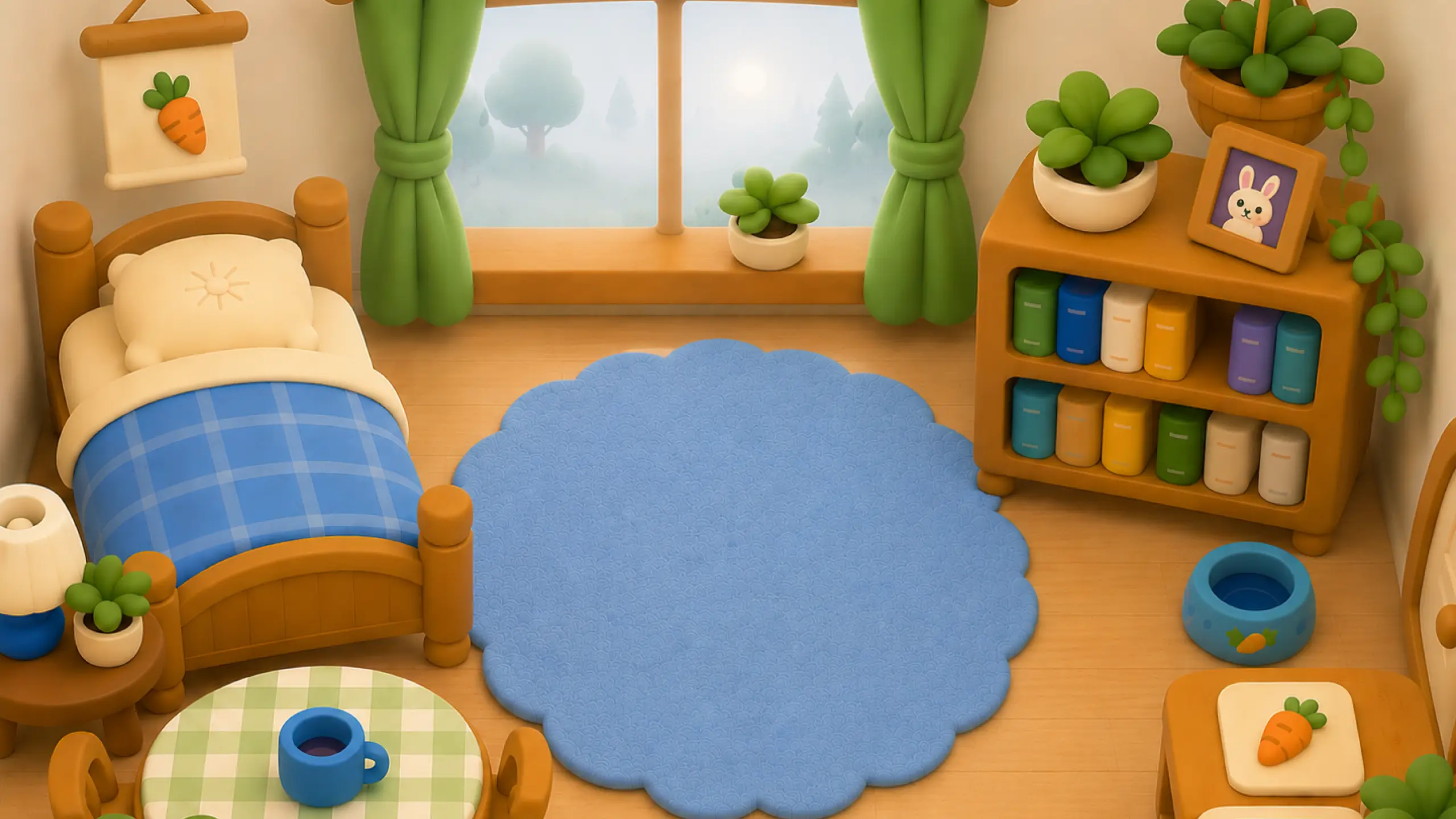
Cozy Bedroom Diorama Layout
Inside Pip's Cozy Bedroom: Warm lanterns, hand-carved shelves, and a sunny window view.
Small interactions with physical character
Micro-interactions help the interface feel responsive without competing for attention.
- Interactive hotspots: Selecting areas such as Pip’s bed, window, or portrait uses a soft camera pan and zoom before moving deeper into the experience. It is a small transition, but it makes exploration feel spatial.
- Tactile button states: Buttons compress and shift slightly on press, using eased movement rather than an abrupt state change. The intention is closer to pressing a soft object than activating a generic UI control.
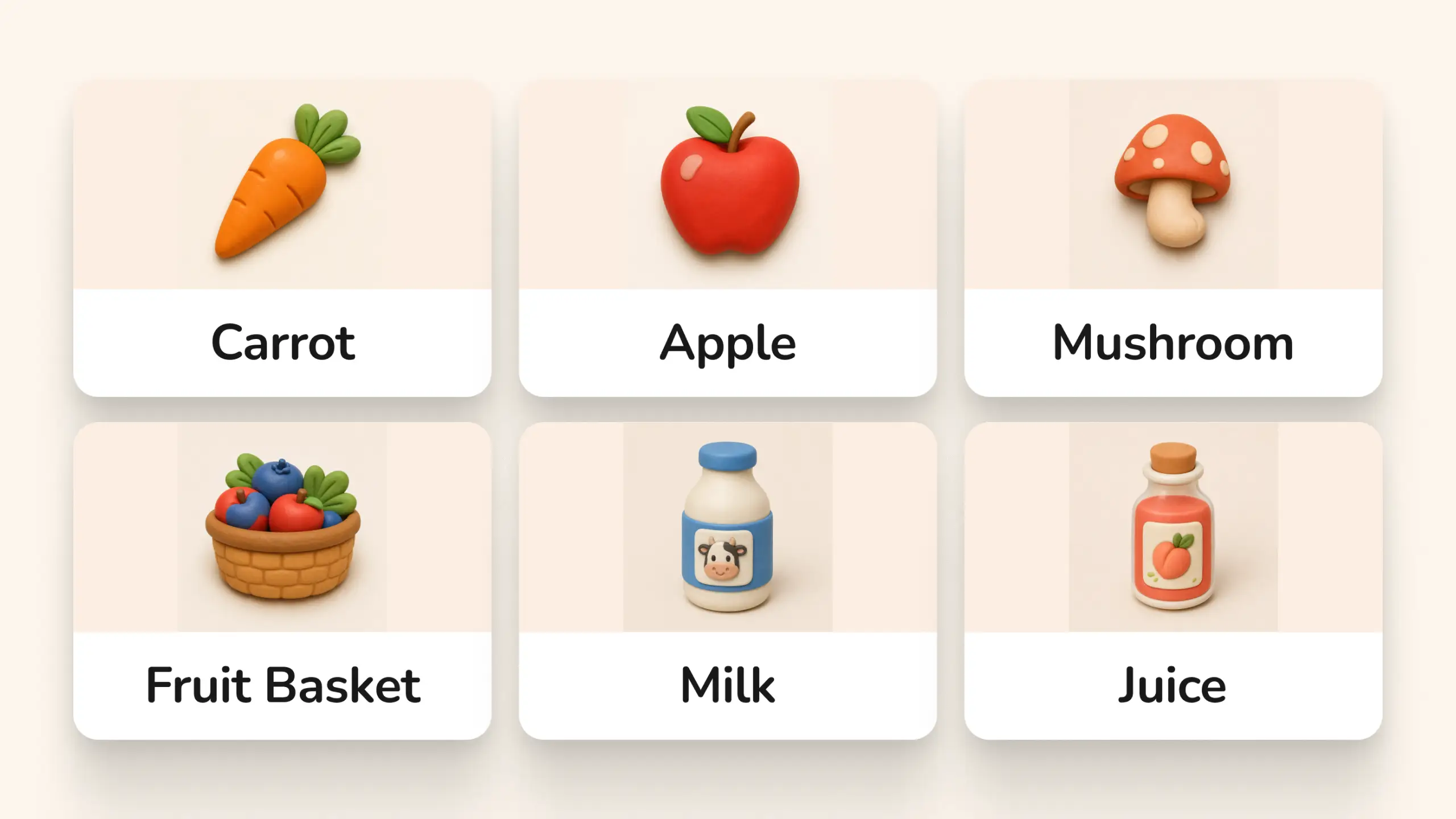
An AI-native learning loop
Cabbits was designed around the idea that generative AI could make an experience feel more responsive to the learner without making the technology itself the focus.
- Context-aware dialogue: Pip’s greetings can draw from prior journal entries and environmental conditions, allowing reflections to feel connected to the user’s recent activity.
- Generated rewards: Non-player characters can create structured collectible items based on learning moments, giving progress a more personal and less repetitive character.
- Expandable exploration: Locations and quests are represented through structured metadata, making it possible to introduce new areas without redesigning the front end around every addition.
The important design constraint was maintaining coherence. Generative content is most useful here when it works within a clear world, visual system, and interaction model.
Designing alongside coding agents
Cabbits also served as a practical experiment in human–AI collaboration. I used coding agents not simply to generate isolated snippets, but to help reason through implementation details while keeping the creative direction human-led.
That included:
- Defining room layouts and responsive coordinate systems for the central environment.
- Refining React state behavior and resolving Tailwind CSS conflicts.
- Building interaction patterns such as persistent ambient audio.
- Repeatedly checking TypeScript and routing behavior as the project evolved.
The result reinforced a useful distinction: AI can accelerate implementation and help surface technical decisions, but it still needs a clear system, constraints, and a person responsible for the experience as a whole.
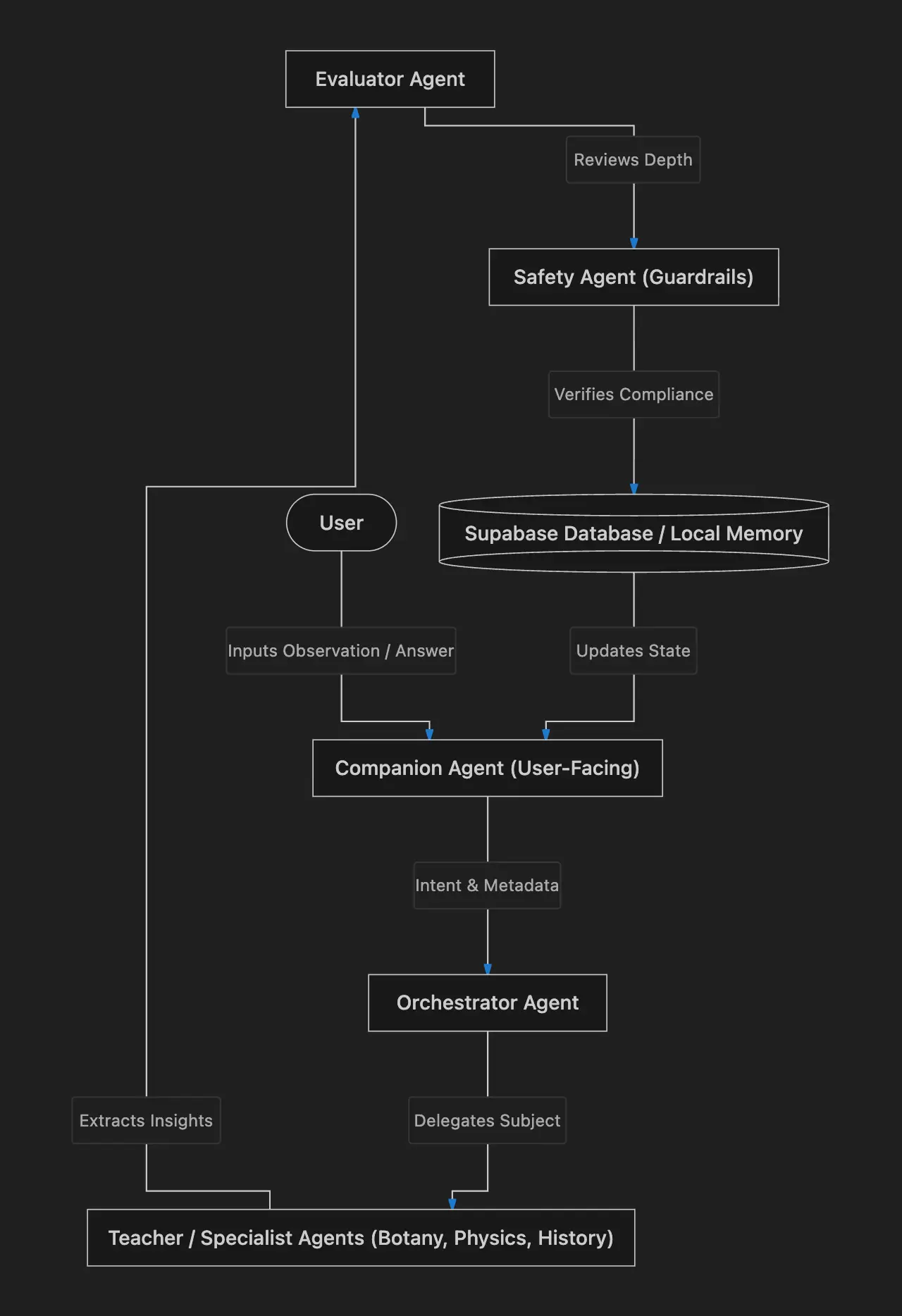
The project demonstrates that structured context engineering, clear guidelines, and human creative direction can produce software that is both technically sound and artistically distinctive.
Course Acknowledgement
Cabbits was developed as a submission for the awesome 5-Day AI Agents: Intensive Vibe Coding Course With Google. The project explored how human creative direction and agent-assisted development can work together in an AI-native application.